For treasurers and savings groups
Keep contributions clear. Keep your group informed.
Give your njangi, susu, chama, stokvel, or savings club a shared place for contribution records, meetings, and decisions.
Starts with the Savings or contribution group setup. Payment availability and processing fees depend on your group's payment setup.
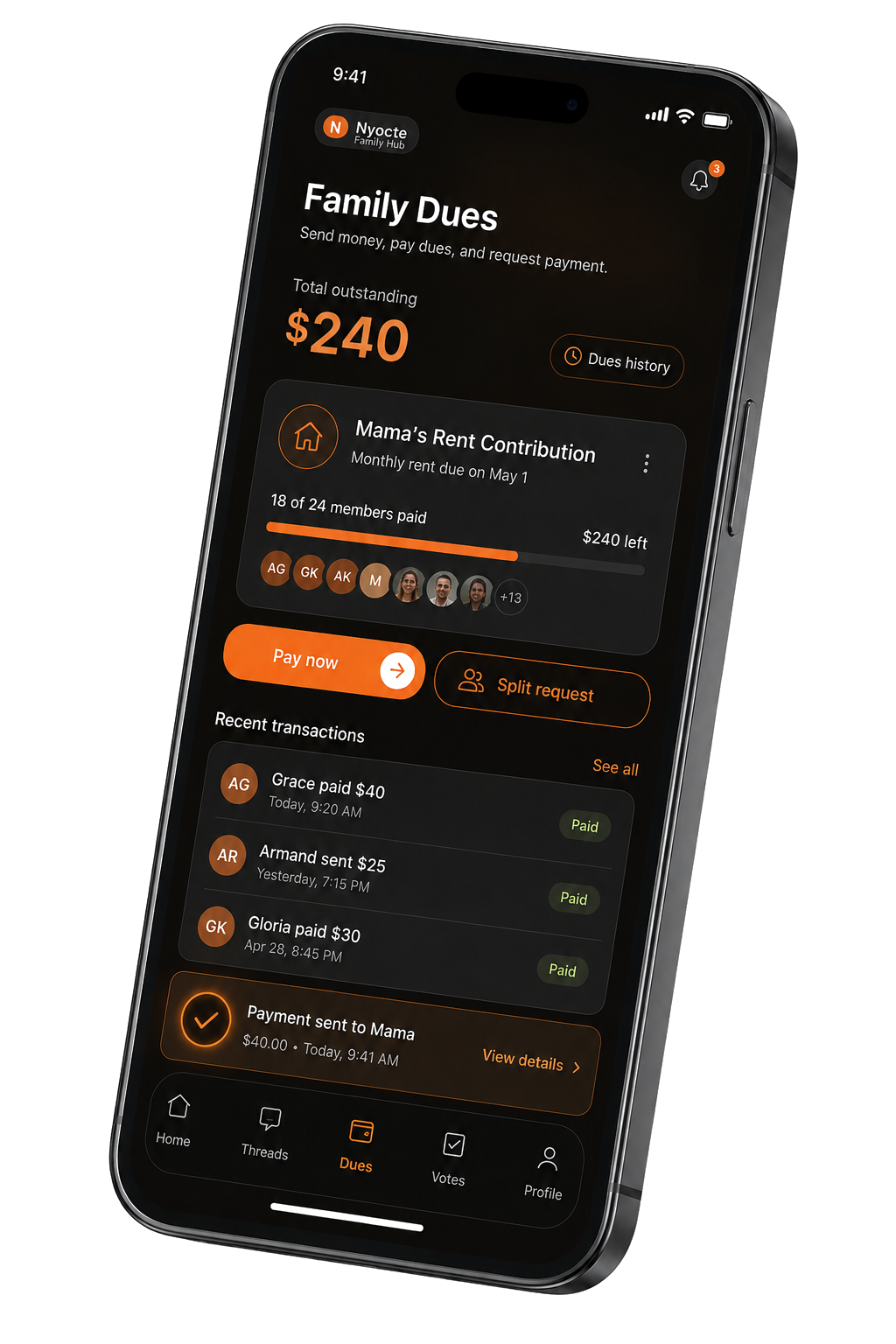
01
Set up your group.
Choose the Savings or contribution group setup and name your group. Invite the members who contribute and the people who help manage it.
02
Keep contribution records together.
Use contributions and finance tools to keep track of group activity. Give your treasurer a shared record to work from.
03
Keep decisions beside the numbers.
Discuss plans in the group, schedule meetings, and keep a record of votes and follow-up tasks alongside your finances.
Before you start
A few useful details.
Is tracking contributions the same as moving money?
No. Record-keeping and payment processing are different workflows. Check the payment options available to your group before asking members to pay through Nyocte.
Are payment transactions free?
Payment processing can carry fees. Check the fees and availability shown in your group's payment setup; a free app does not mean every transaction is free.
Can we organize meetings and votes too?
Yes. Your savings group can use meetings, member roles, conversations, and voting alongside its financial tools.
Make your first move.
Starts with the Savings or contribution group setup. Payment availability and processing fees depend on your group's payment setup.
Set up your savings group