For community organizers and committees
Give your group a place to get things done.
Bring conversations, meetings, tasks, and decisions together. Start with one group and invite your people when you are ready.
Start with the Association or club setup. You can change the setup before creating your group.
01
Start with the right setup.
Choose an organized, social, or savings group. Add a name and description, then open the welcome page to see your group’s next steps.
02
Invite people to participate.
Share a group invitation. Keep announcements and conversations together, and give members roles that fit their responsibilities.
03
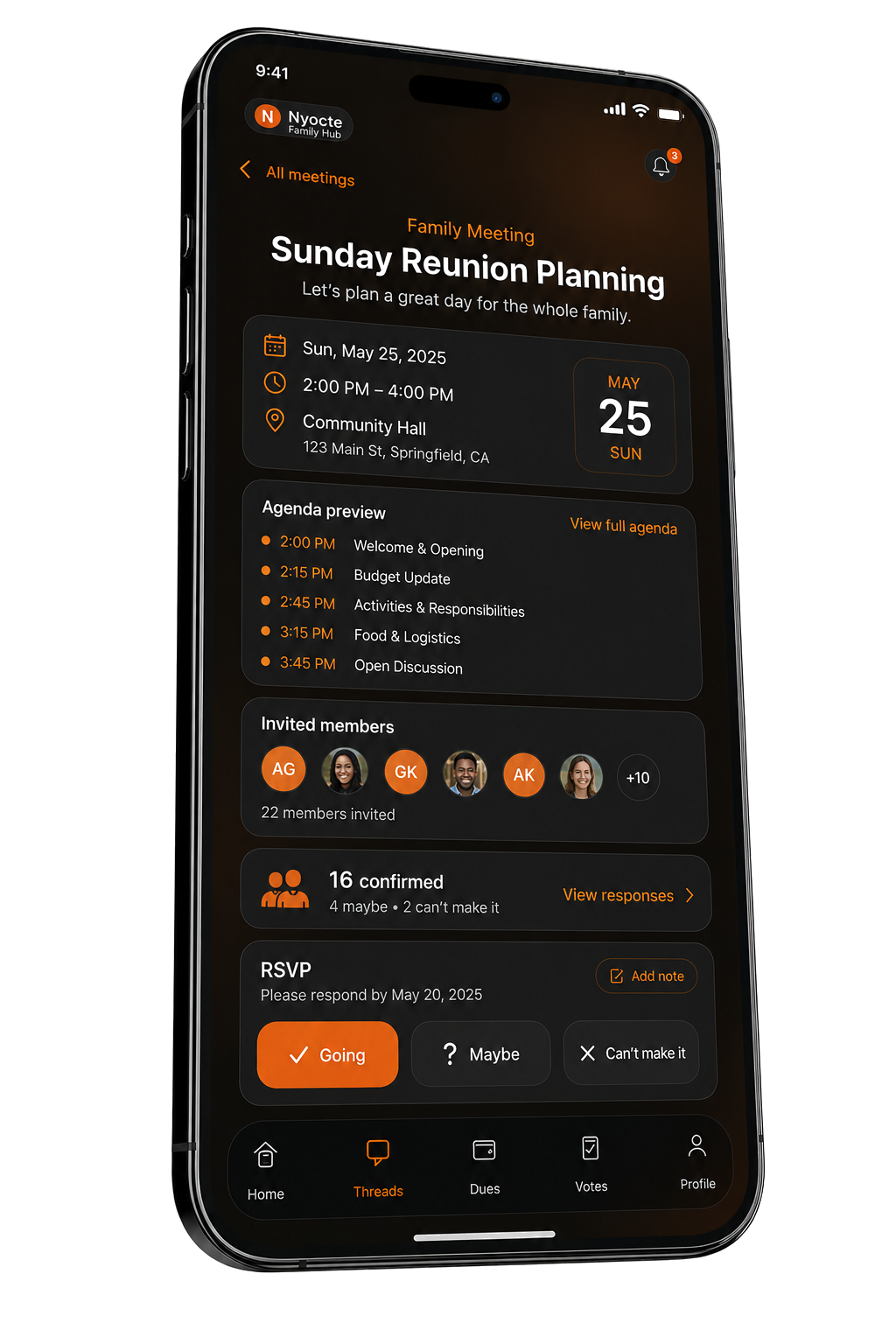
Turn the next meeting into progress.
Prepare an agenda, record minutes, run a vote, and assign follow-up tasks. Keep the record available for the next meeting.
Before you start
A few useful details.
Do we have to use every feature?
No. Choose a starting setup that fits your group and begin with one activity. Optional tools can be managed in group settings.
What if I only want a family or social group?
Choose the Friends & community starting setup when creating your group. You can begin with conversations and add structure as needed.
I already have an invitation. Where do I go?
Open the invitation link your organizer sent, or use Join a group to enter your invitation code.
Make your first move.
Start with the Association or club setup. You can change the setup before creating your group.
Create your group