For hosts and their guests
A meeting starts with a link.
Catch up with family, bring your committee together, or meet someone new. Start now or schedule ahead. Your guests can join in their browser.
Hosts connect their browser using the Nyocte mobile app. Guests can join without an account or download.
01
Start now. Or pick a time.
Open Meetings and choose Meet now, or schedule a meeting with a title, time, and invited guests. You do not need to create a group.
02
Send one invitation link.
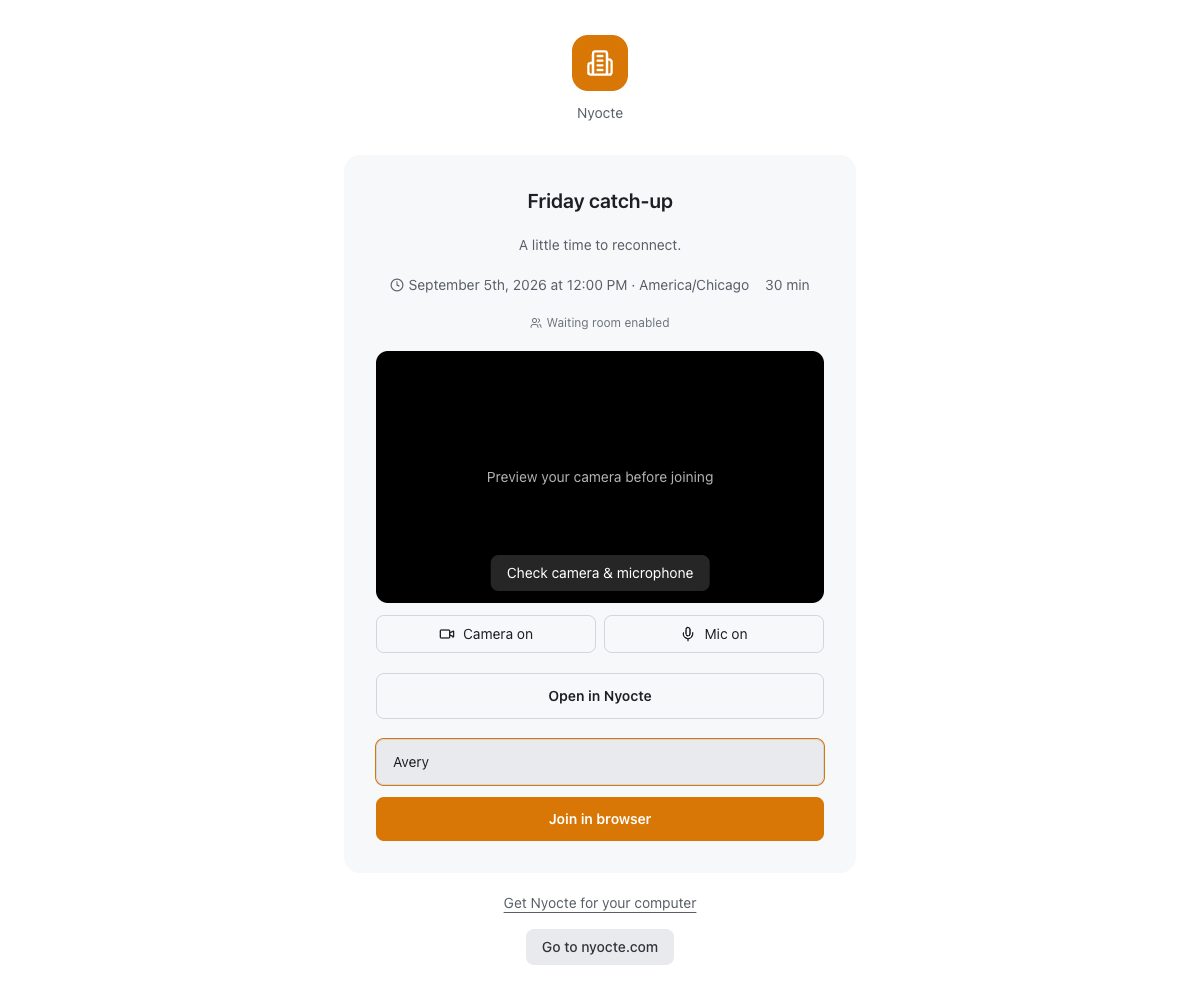
Share the meeting link in the conversation you already use. Guests enter their name and check their camera and microphone before joining.
03
Keep the host in control.
Use host controls to manage the room. Scheduled meetings can include a password, and hosts can turn on a waiting room to admit participants.
Already invited?
Come on in.
Paste the Nyocte meeting link your host sent. You will check your camera and microphone before joining.
Before you start
A few useful details.
Do my guests need Nyocte accounts?
No. Guests can open your meeting link in a browser and enter their name. A password or host admission may be required when the host enables those controls.
Do I need an account to host?
Yes. Create your account in the Nyocte mobile app, then use Settings → Linked Devices to connect your browser. Open Meetings and choose Meet now or Schedule.
Can I use the desktop app?
Yes. Nyocte also has a desktop app. A download is optional for browser meetings.
Make your first move.
Hosts connect their browser using the Nyocte mobile app. Guests can join without an account or download.
Start a meeting